Learning paths that grow with your students
A learning path is a complete program: a sequence of courses ordered from easier to harder, so a class always knows what comes next. These three paths are available in English.
Most courses follow the same three-stage arc, and each path closes with a capstone project. Competition courses are organized around missions on a contest field instead.
Step 1
Explore
Short guided lessons introduce one idea at a time, with hands-on practice in every lesson.
Step 2
Design
Students combine what they learned to design something larger, test it and improve it.
Step 3
Invent
The course ends with a project students choose and build themselves, then share.
Scratch Creator
Creative coding with Scratch
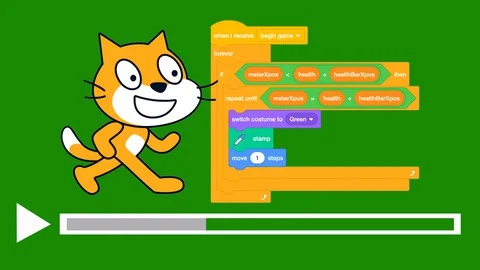
Seven courses that take students from animated stories to games, digital art, quizzes, simulations and AI projects in Scratch, ending with a capstone project of their own.
- 1
Scratch Creator 1 - Animation & Storytelling
Sprites that move and talk, conversations, scenes and backdrops — ending with an animated movie.
18 lessons
- 2
Scratch Creator 2 - Interactive Games
Controls, mazes, click games, enemies and rewards — ending with a game students design themselves.
18 lessons
- 3
Scratch Creator 3 - Art & Music
Colors, effects, patterns with clones, instruments and sounds — ending with a digital art project.
18 lessons
- 4
Scratch Creator 4 - Quizzes & Trivia
Programs that ask questions and react to answers — ending with a quiz game of their own.
18 lessons
- 5
Scratch Creator 5 - Small Simulations
Natural motion, flocks and swarms, systems with rules — ending with a simulation world.
18 lessons
- 6
Scratch Creator 6 - AI Programming
Machines that talk, see and learn from examples — ending with an AI product and a discussion of fairness.
18 lessons
- 7
Scratch Creator 7 - Your Big Project
A full capstone: big idea, working core, content, polish, testing with real people and launch.
18 lessons
Robotics Engineer
Build, program and compete with robots
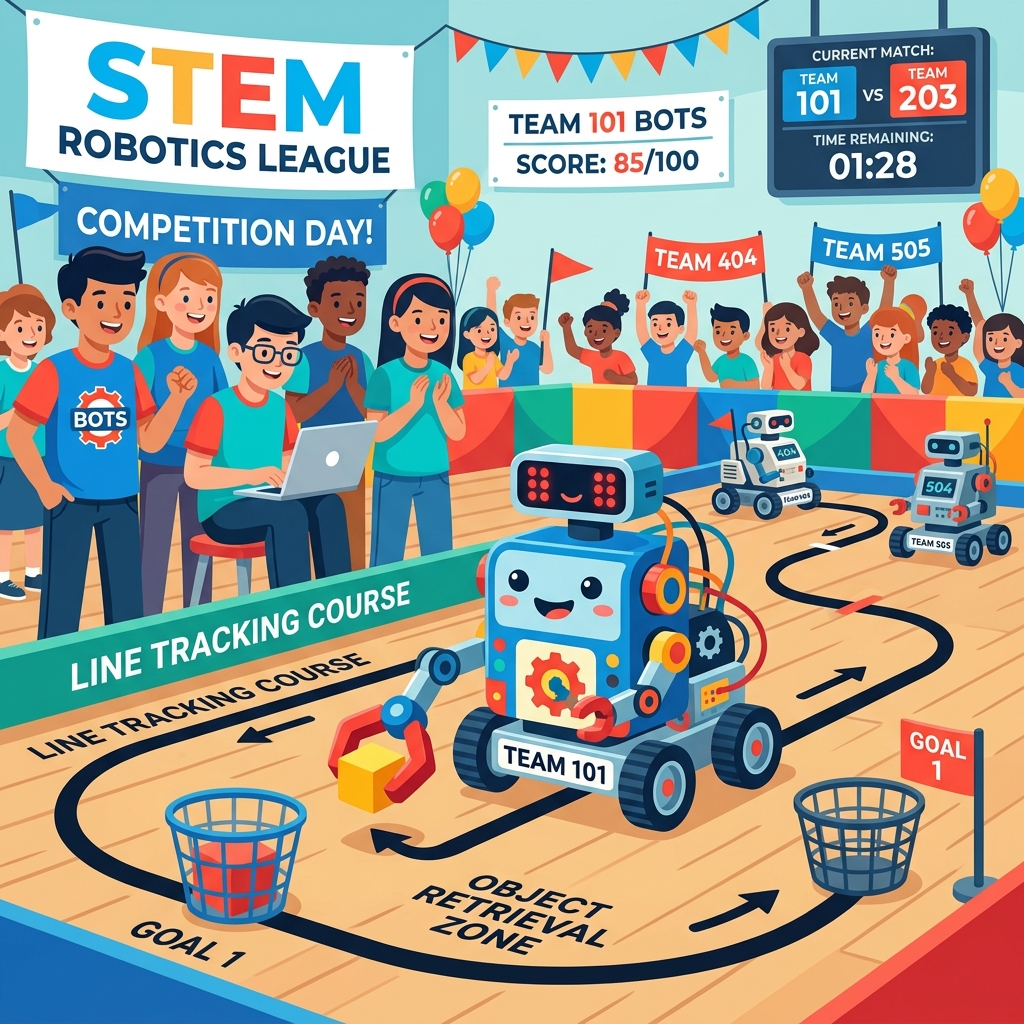
Six courses and a competition track. Students program robots that move, sense, solve missions and work in a smart factory, then design a robot for a real problem — practicing on virtual robots in the browser.
- 1
Robotics Engineer 1 - Your First Robot
Robot parts, driving, a lifting gripper arm and pick-and-carry missions — ending with a robot that helps at home.
20 lessons
- 2
Robotics Engineer 2 - The Senses of a Robot — Working with Sensors
Ultrasonic, line and color sensors, maze solving and sumo — ending with a self-driving robot.
20 lessons
- 3
Robotics Engineer 3 - Programming for the Robocon Contest: Green City
Build and set up the ORC K1 robot, complete four Green City missions, then compete in a full run.
18 lessons
- 4
Robotics Engineer 4 - Programming Robocon Contests with AI: Traffic City
Teach an AI camera to read traffic lights, signs and pedestrians, then run a 180-second contest.
18 lessons
- 5
Robotics Engineer 5 - Smart Factory — Robotics in Industry
A robot arm at the pickup station, orders and schedules, workshop safety and AI-camera quality checks.
20 lessons
- 6
Robotics Engineer 6 - Capstone Project — Robotics Engineer
Find a real problem, design and test a robot to solve it, and present an engineer’s notebook.
20 lessons
- 7
Robotics Engineer - ORC Arena — from the virtual map to the real tournament
Divisions, team registration, rules, the 2026–2027 challenge and contest strategy for the ORC robotics competition.
20 lessons
AIoT Maker: Smart Home
3D design, IoT and AI around one smart home
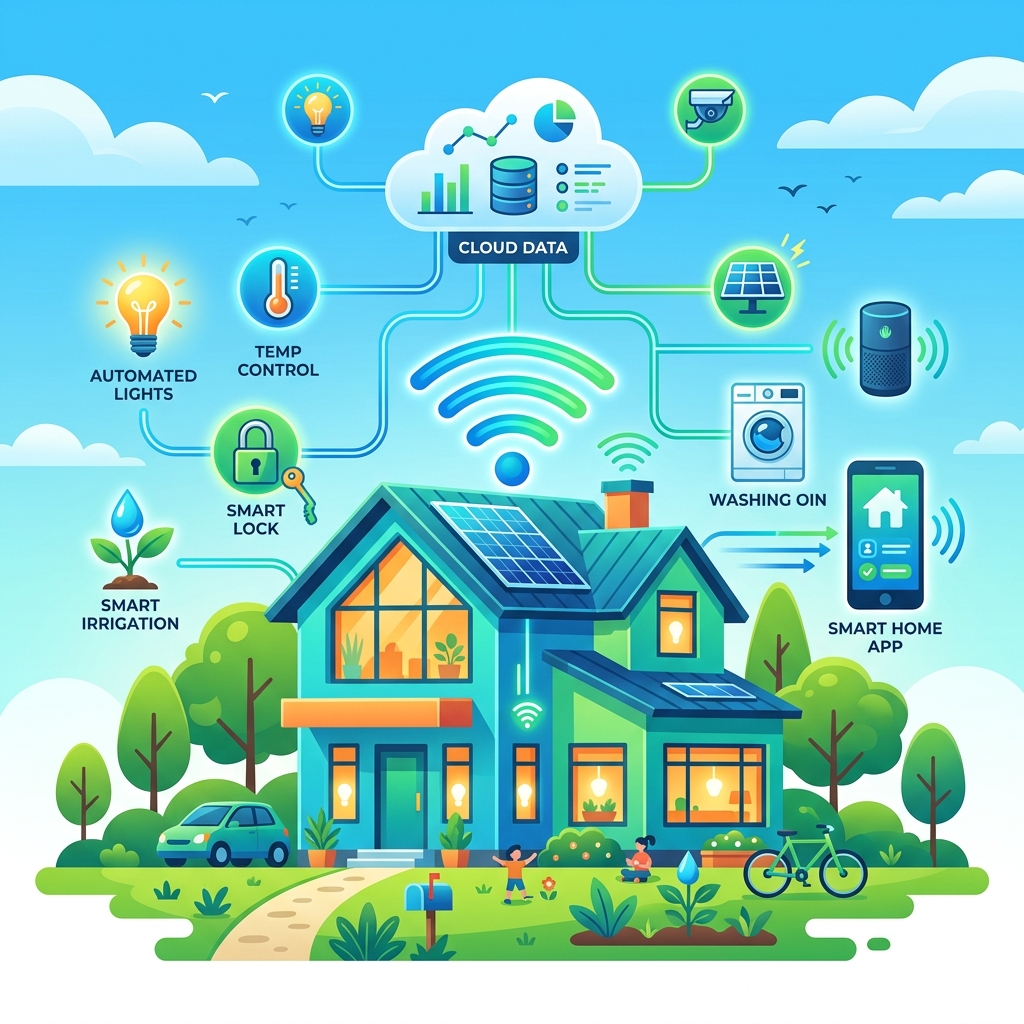
Five courses built around a single project: students design a smart home in 3D, program its devices, connect it to an IoT dashboard, add AI recognition and voice commands, and finish with a complete home of their own.
- 1
AIoT Maker 1 - 3D Design — The House Shell
Model the house in 3D in the browser: base plate, walls, doors, roof, rooms, furniture and module mounts.
18 lessons
- 2
AIoT Maker 2 - Device Programming — The House That Moves
Block coding for lights, buttons, sensors, a fan and a key-card door — ending with a smart room.
18 lessons
- 3
AIoT Maker 3 - IoT Dashboard — The Connected House
Send readings to a server, build a dashboard, control devices from a phone and set smart alerts.
18 lessons
- 4
AIoT Maker 4 - AI Models and AI Camera — The House That Can Recognize
Train a model to recognize family cards, add voice commands and send AI results to the dashboard.
18 lessons
- 5
AIoT Maker 5 - Capstone Project — The Complete Home
Plan and finish a complete smart home with automation, IoT and AI, then test it and present it.
18 lessons
Beyond these three paths
The full OpenSTEM library has more than 60 courses across coding, game design, robotics, AI & IoT, 3D design and science, currently in Vietnamese. Schools and centers can also build their own courses on the platform. Tell us what you would like to teach and we will show you what is available.