
Everything you need to teach STEM by doing
OpenSTEM is a learning management system built specifically for STEM: a library of ready-made courses, virtual devices for hands-on practice, motivation for students, and the tools teachers use every day.
Project-based learning
Explore, design, invent
Courses are built around projects rather than theory. In a typical course, students first explore new ideas through short guided lessons, then design something with them, and finally invent a project of their own — an animated movie, a game, a robot that helps at home, a smart room.
Courses are organized into learning paths that run from easier to harder, so a class always knows what comes next. Teachers can also assign a single course for a unit, or a short standalone project for a club session.
Virtual devices
A full STEM lab in the browser
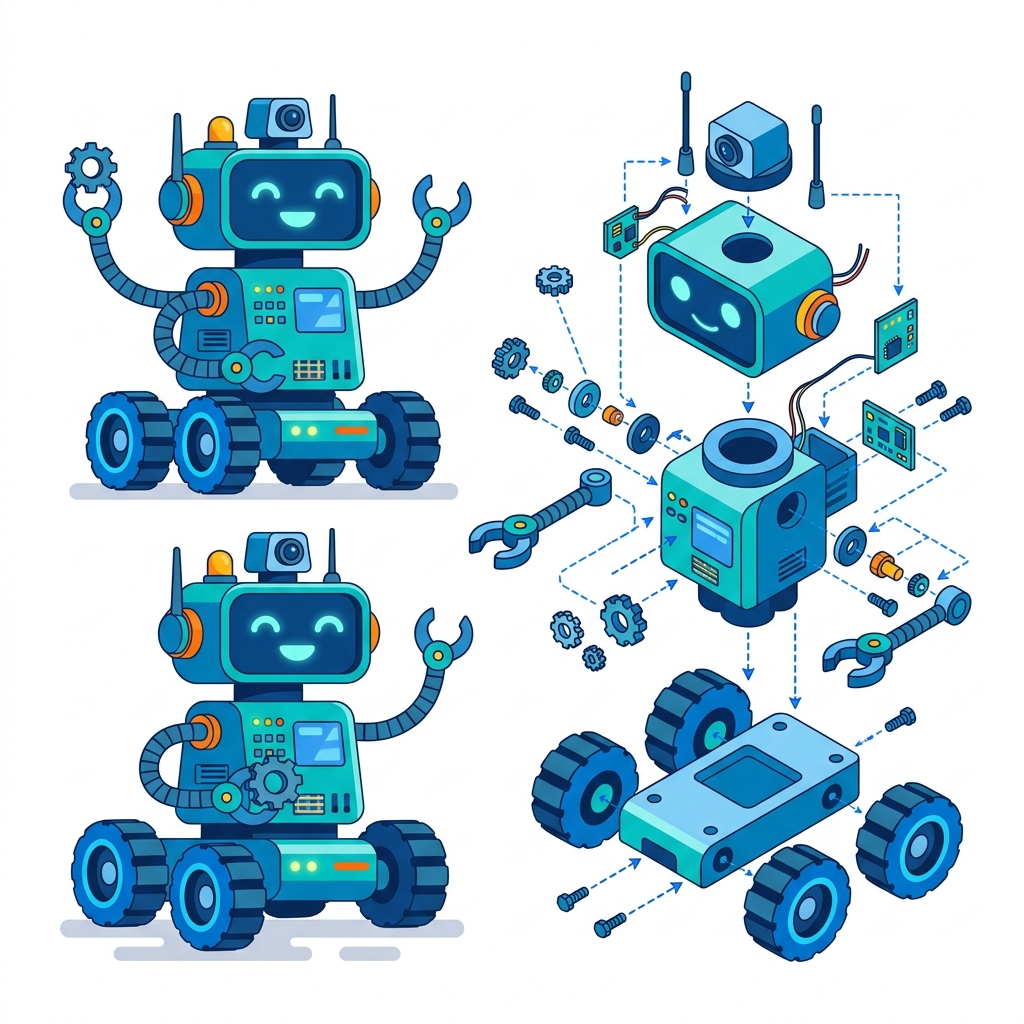
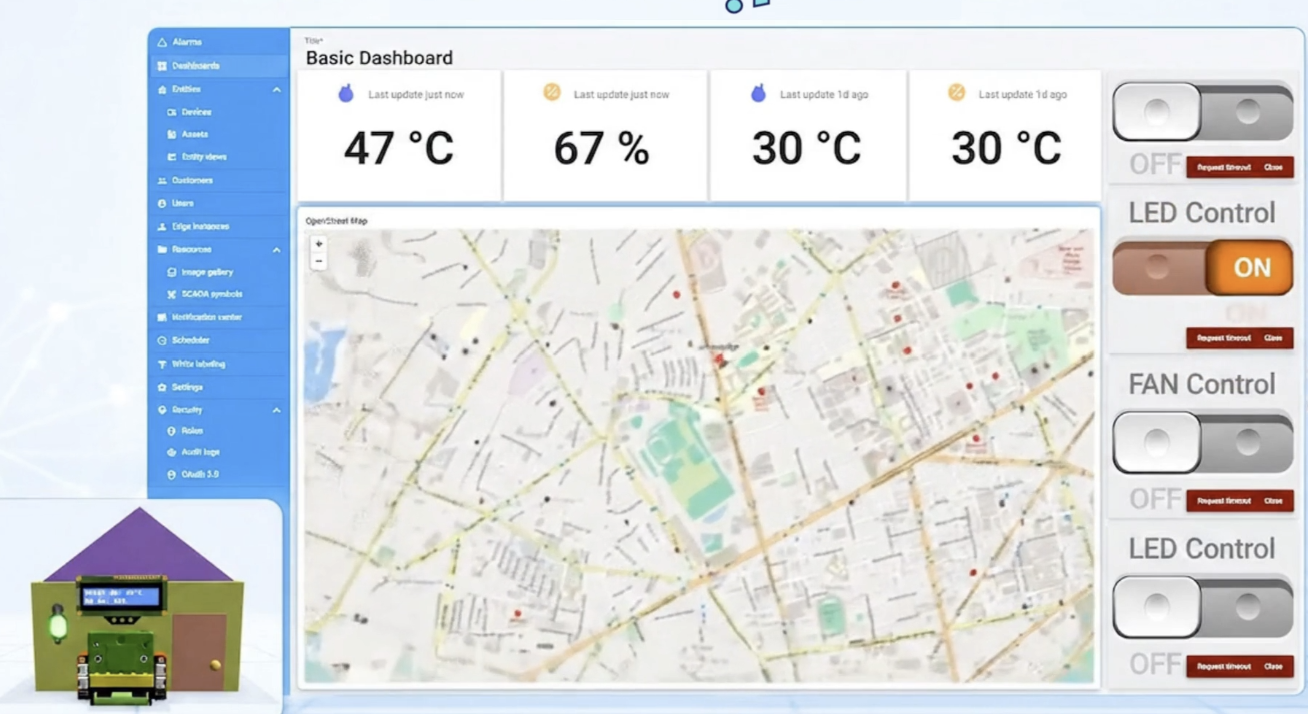
Robotics, AI and IoT, electronic circuits and science experiments all come with virtual devices. Students program a robot or wire a circuit on screen, run it, and see the result the way it would behave on the real device.
- Every course can be taught without buying equipment.
- The whole class practices at the same time, not one group per kit.
- Students can practice at home exactly as they do in class.
- Nothing to burn out, break or lose.
Real hardware still matters — students learn to assemble and troubleshoot physical builds. A common approach is to teach on virtual devices first and add kits for established classes and competition teams.
Practice tools across STEM
Built into the lessons — no separate software or accounts.
Robotics
AI & IoT
3D design
Science labs
Coding & game design
Lessons students do, not just read
Each lesson combines explanation with activities, and every answer is saved so teachers and parents can see the work behind the score.
Rich content
- Slides, text and images
- Embedded video
- Code editors and interactive simulations
Built-in activities
- Multiple choice and true/false
- Drag-and-drop and matching
- Fill-in-the-blank and short answer
A record of learning
- Answers saved per lesson and per student
- Graded on the server, not trusted from the browser
- Teachers can review work exactly as the student saw it
Motivation that rewards both effort and skill
Game mechanics help students keep a steady learning habit. Levels reflect effort; titles reflect real ability.
XP and levels
Badges and titles

Coins
Certificates
Run your classes in one place
Everything a teacher does around a STEM course — from setting up a class to talking with parents.
Classes and student accounts
- Create student accounts directly in a class
- Share a class invite code
- Import students from a spreadsheet
- Archive accounts to free seats without losing data
Assign and pace content
- Assign a course or learning path to a class or one student
- Unlock lessons manually, on a schedule, by progress, or all at once
- Set start dates and deadlines
Progress and grading
- A grid of every student against every lesson
- Open a student’s answers and leave feedback
- See which questions the class got wrong most often
Question bank and tests
- Six question types, from multiple choice to project submissions
- Import and export questions with Excel
- Build tests, assign them, and get weighted scores
Live classroom mode
- Students join with a PIN and follow the teacher’s slides on their own device
- Live quizzes, Q&A, polls, word clouds and timers
- A report of every session: who attended and how they answered
Weekly reports for parents
- Generated automatically each week
- Teachers preview and approve before anything is sent
- Lessons completed, XP earned and days active
Create your own content
Build lessons with blocks — or start from an AI draft
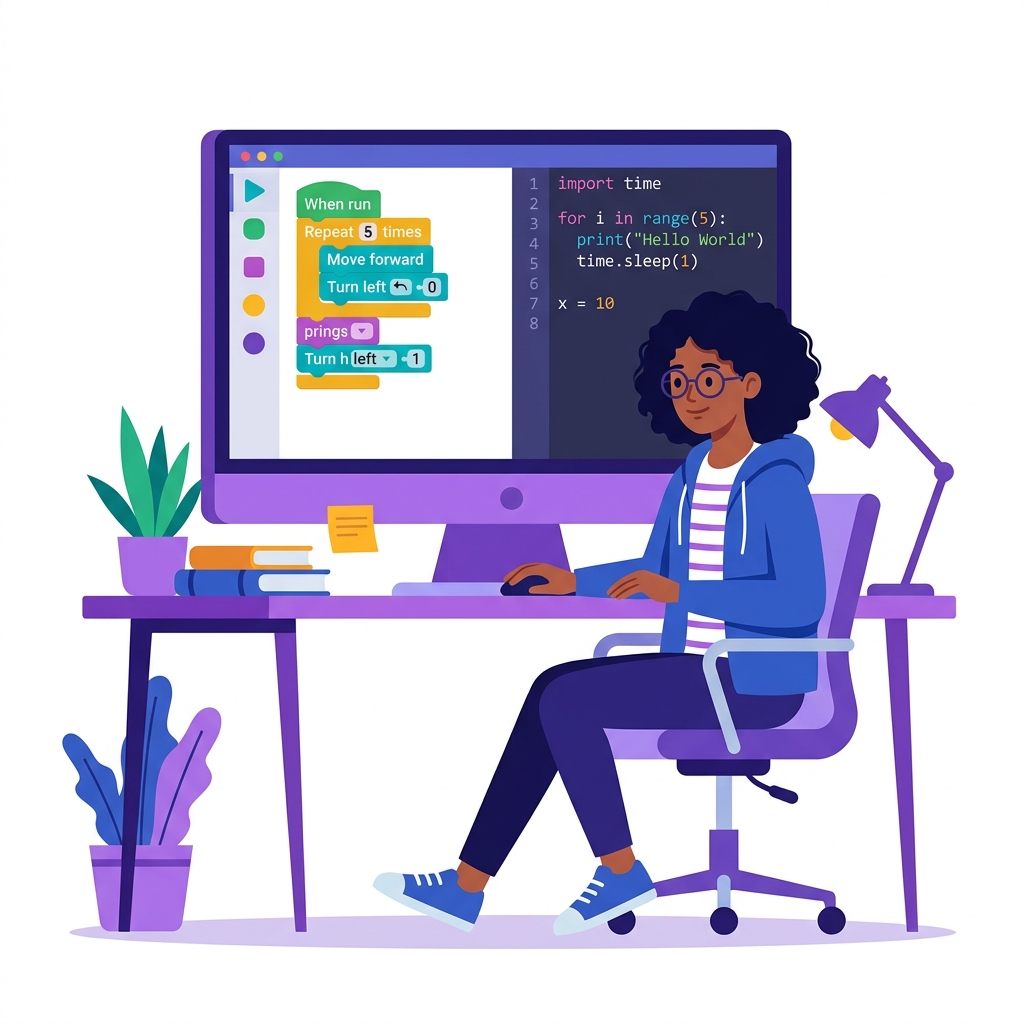
Teachers can create their own courses alongside the ready-made library. Lessons are assembled from drag-and-drop blocks: text, images, video, quizzes, drag-and-drop activities, code editors and interactive HTML. Your organization’s content stays visible only to your organization.
The AI course assistant turns a description, a web page or an uploaded document (PDF, DOCX, TXT or Markdown) into a draft course. Nothing is published automatically: teachers review and edit every lesson first.
Running a whole school or center?
Organization plans add a shared content library, organization-wide statistics, and your own branded subdomain with a school homepage.