Hands-on STEM learning, ready for your classroom
OpenSTEM combines project-based courses in coding, robotics, AI and IoT with virtual devices that run in the browser — and the tools teachers need to run classes, track progress and keep students motivated.
- Runs in the browser
- No kit needed to start
- Ready-made courses
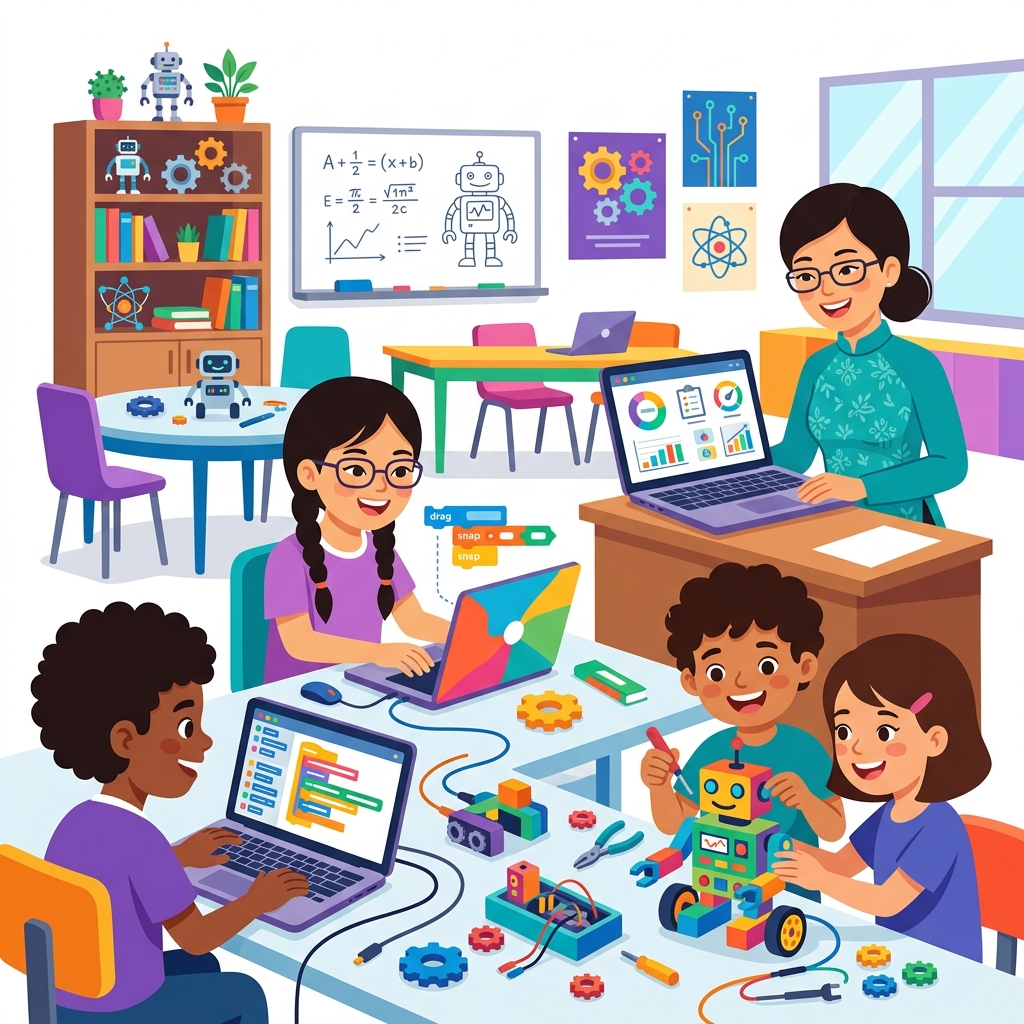
Everything a STEM program needs, in one platform
Courses, practice tools, motivation and classroom management work together, so schools can start teaching STEM without building it all themselves.
Project-based learning
Virtual devices in the browser
Interactive lessons
Motivation built in
Tools for teachers
Your school, your brand
Practice on virtual devices first, add hardware when you are ready
Students open a lesson and the robot, circuit or experiment appears on screen. They program it, run it and see the result — the whole class at once, and at home just as in class.
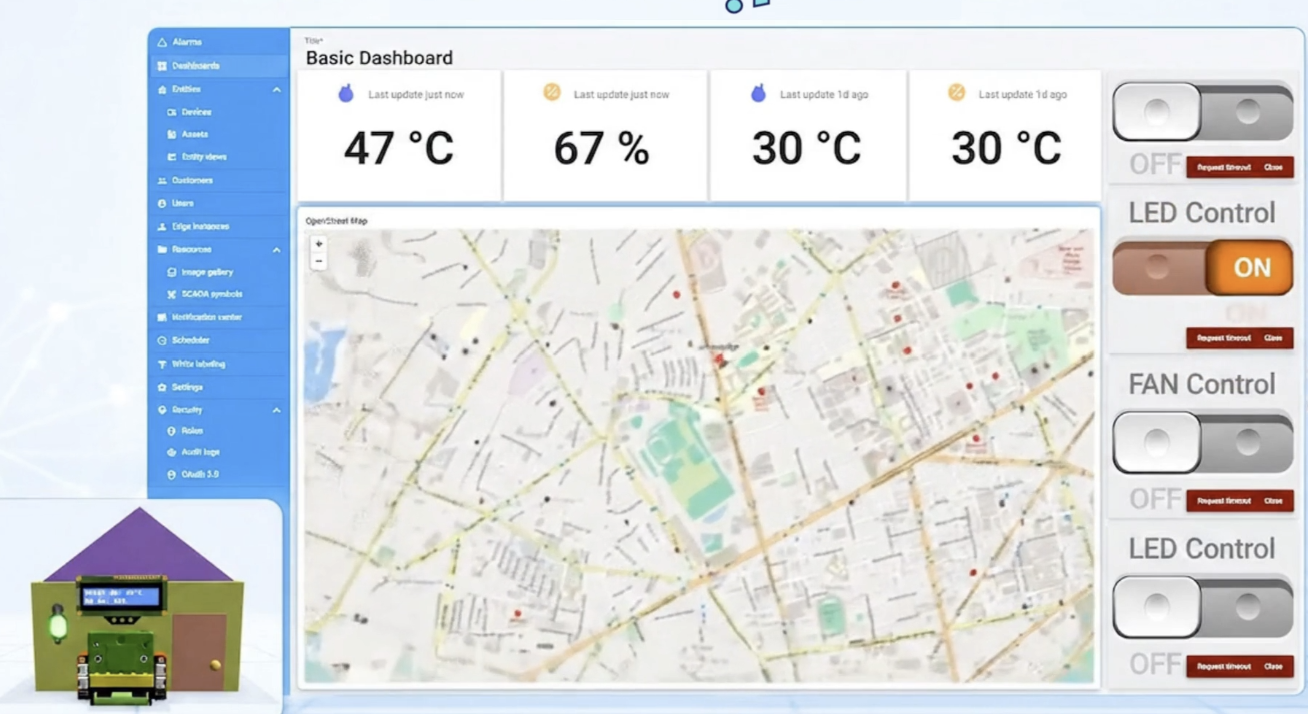
IoT dashboards
Send sensor readings online and control lights and fans from a dashboard.
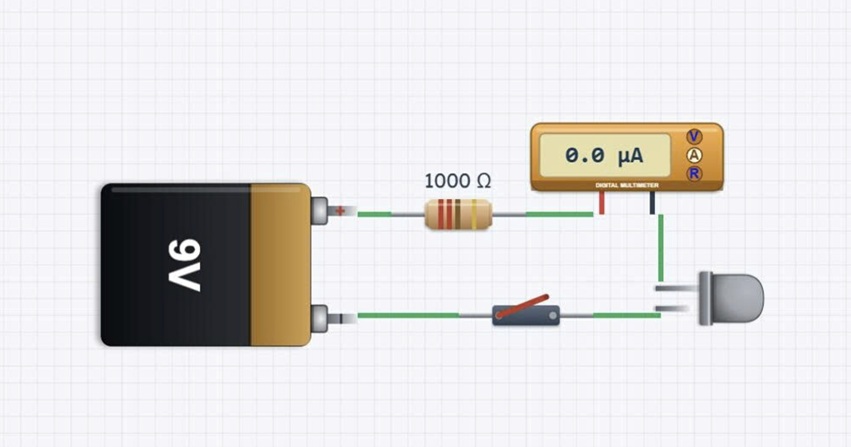
Electronic circuits
Wire components and measure what happens — no burnt parts.
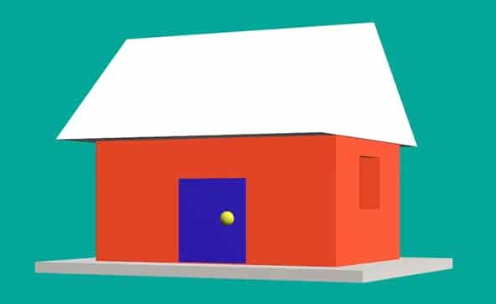
3D design
Model objects and buildings in 3D, right in the browser.
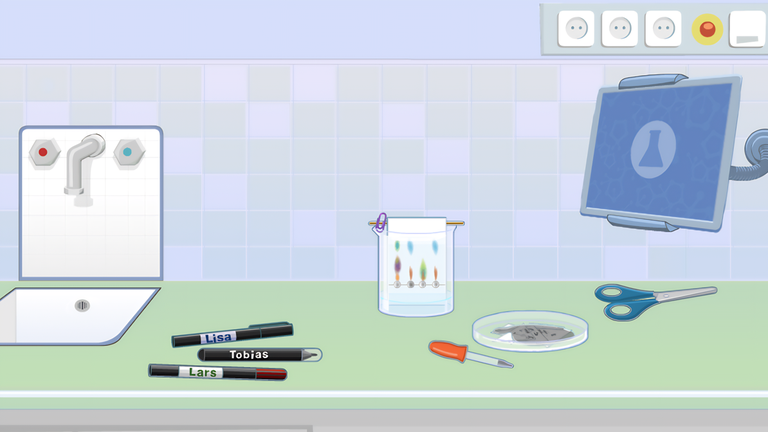
Virtual science labs
Observe and experiment safely with interactive lab equipment.
Three learning paths, from first project to capstone
19 courses in English across creative coding, robotics and AIoT. Each path builds step by step and ends with a project students design themselves.
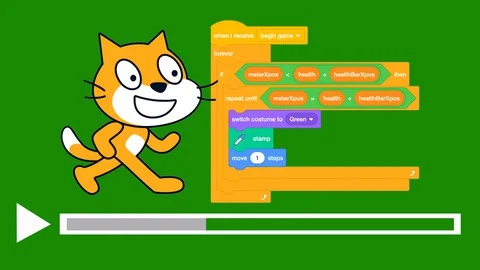
Scratch Creator
Creative coding with Scratch
Seven courses that take students from animated stories to games, digital art, quizzes, simulations and AI projects in Scratch, ending with a capstone project of their own.
View the courses →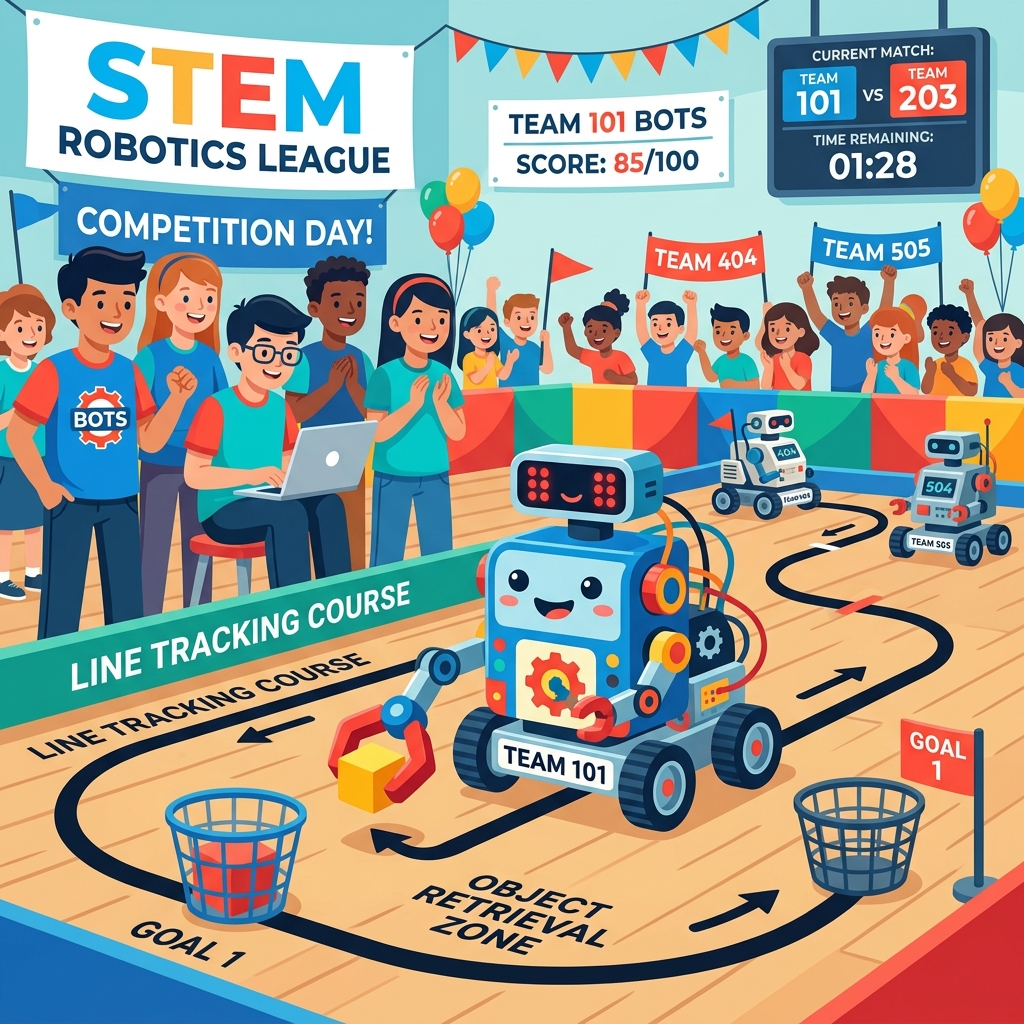
Robotics Engineer
Build, program and compete with robots
Six courses and a competition track. Students program robots that move, sense, solve missions and work in a smart factory, then design a robot for a real problem — practicing on virtual robots in the browser.
View the courses →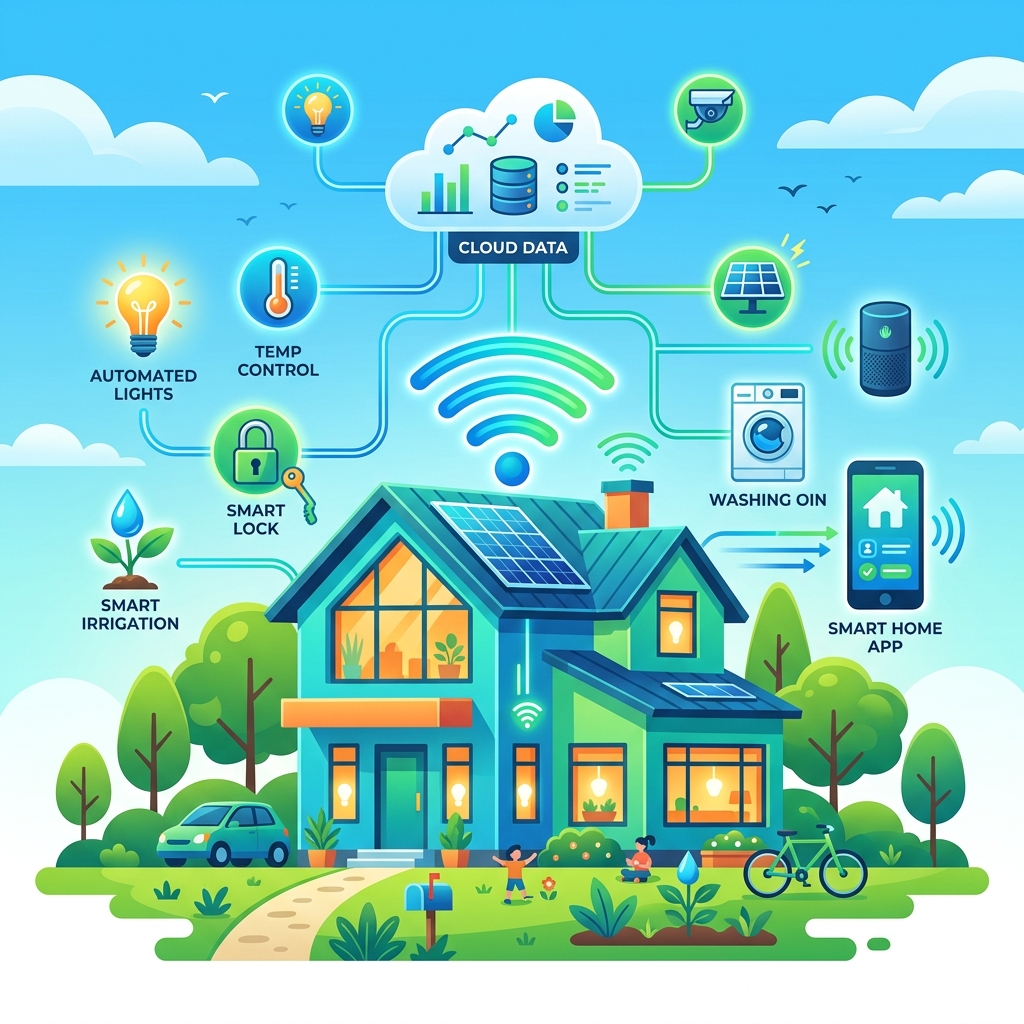
AIoT Maker: Smart Home
3D design, IoT and AI around one smart home
Five courses built around a single project: students design a smart home in 3D, program its devices, connect it to an IoT dashboard, add AI recognition and voice commands, and finish with a complete home of their own.
View the courses →Built for everyone in a STEM program
Students
Learn by making — animations, games, robots and smart devices. Earn XP, badges and certificates along the way, at school or at home.
See the learning paths →Teachers
Teach STEM without building lessons from scratch. Ready-made courses, automatic grading and live classroom tools — no coding background required.
Explore the teacher tools →Schools & centers
Run one program across every class, with a shared content library, organization-wide reports and your own branded subdomain.
OpenSTEM for organizations →Parents
Follow what your child is learning with weekly progress reports, and keep learning at home with the Family plan.
Compare plans →From sign-up to the first lesson
A typical rollout for a school or center.
- 1
Set up your organization
We create your organization and plan, then you invite your teachers with an invite code.
- 2
Add students
Create student accounts in a class, share a class invite code, or import a whole grade from a spreadsheet.
- 3
Assign a learning path
Pick a path or a course and choose how lessons unlock: by the teacher, on a schedule, by progress, or all at once.
- 4
Teach and track
Teach live or let students work at their own pace, then follow progress lesson by lesson and student by student.
Start small, then grow
- Begin with one grade, one subject and one lead teacher for a term.
- Teach on virtual devices in the first year; invest in hardware once the program is running.
- Use the reports to show participation and progress before you expand.
Frequently asked questions
Do teachers need coding or IT experience?
No. OpenSTEM is designed for teachers who are not programmers. Lessons are step by step, simulations come with sample solutions, and teachers can preview every lesson exactly as students will see it before assigning it.
Do we need to install any software?
No. Students and teachers use the courses, lessons and simulators directly in a web browser.
What devices do students need? Can they share?
OpenSTEM works on desktop PCs, laptops, Chromebooks and tablets with an internet connection. If there are not enough devices, students can work in small groups of two or three on one device. In live mode, the teacher presents on a projector and students can answer quizzes from a phone.
Do we need robotics or electronics kits?
Not to get started. Robotics, AI & IoT, circuits and science content all have virtual devices, so every course can be taught without buying equipment. Real hardware adds hands-on experience and can be introduced later.
Do we have to teach every course in a path?
No. You decide how many courses to run and how long each one takes — from a single course as an enrichment activity to a full year-long program.
How do teachers track student progress?
Quizzes are graded automatically. The class progress grid shows every student against every lesson, and teachers can open each student’s answers, leave feedback and see which questions the class found hardest.
Which courses are available in English?
Three learning paths are available in English today: Scratch Creator (7 courses), Robotics Engineer (6 courses plus the ORC Arena track) and AIoT Maker: Smart Home (5 courses).
Can we try OpenSTEM before rolling it out?
Yes. Schools and centers can request a demo and a trial account to explore the teacher tools and sample lessons before deciding.